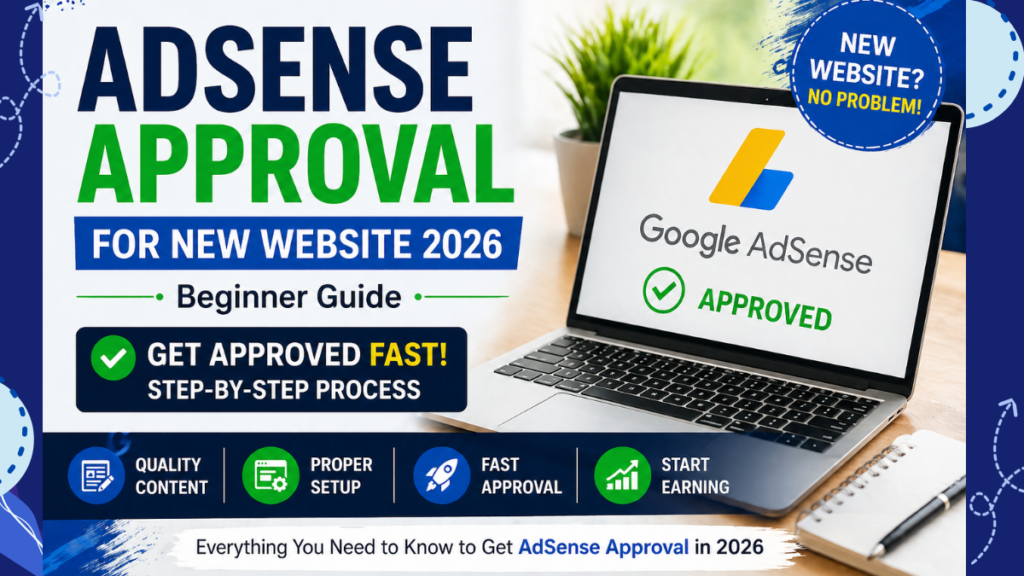
Google AdSense Approval for New Websites (2026): Complete Beginner's Guide to Get Approved Faster
Want to get Google AdSense approval for your new website but don't know where to start?
You're not alone. Every day, thousands of new bloggers and website owners apply for Google AdSense, hoping to monetize their content. Unfortunately, many applications are rejected because the website isn't fully prepared—not because it's new.
One of the biggest misconceptions is that you need an old domain, thousands of visitors, or hundreds of blog posts before applying. The truth is quite different.
Google primarily evaluates the quality of your content, user experience, website structure, and compliance with its policies. A well-structured website with helpful, original content can receive approval even if it's only a few weeks old.
In this comprehensive guide, you'll learn exactly how to prepare your website for Google AdSense approval in 2026, avoid the most common mistakes, and significantly improve your chances of getting approved on your first attempt.
Table of Contents
What Is Google AdSense?
Google AdSense is a free advertising program that allows website owners and bloggers to earn money by displaying relevant ads on their websites. Once your website is approved, Google automatically serves advertisements that match your visitors' interests and content.
Every time visitors view or interact with eligible ads, you may earn revenue. Your earnings depend on several factors, including:
- Your website niche
- Visitor location
- Traffic quality
- Advertiser competition
- Content relevance
Websites targeting audiences from countries such as the United Kingdom, United States, Canada, and Australia often experience higher advertising rates because advertisers in these regions generally have larger marketing budgets.
However, earning well from AdSense starts with one essential step—getting your website approved.
Can a New Website Get Google AdSense Approval?
Yes. A new website can absolutely receive Google AdSense approval.
Google does not require your website to be several months old or generate thousands of monthly visitors. Instead, the review process focuses on whether your website provides genuine value to users and follows AdSense Program Policies.
Many successful publishers have received approval with only 10–20 well-written articles because their websites met Google's quality standards.
During the review process, Google typically evaluates:
- Original, helpful content written for real users
- Easy website navigation
- Mobile-friendly design
- Fast loading speed
- Required legal pages
- Clear website purpose
- Positive user experience
Pro Tip:
Instead of asking, "How old is my website?", ask "Is my website useful enough for visitors?" That's the question Google is really trying to answer.
Google AdSense Requirements for New Websites
Before submitting your AdSense application, make sure your website meets the following essential requirements.
1. Publish High-Quality Original Content
Your content should be written for people—not search engines. Every article should solve a real problem, answer a common question, or provide useful information.
Aim to publish at least 10–20 high-quality blog posts, each containing valuable, original insights rather than copied or lightly rewritten content.
- Write unique articles.
- Avoid duplicate content.
- Keep your information accurate and updated.
- Use clear headings and short paragraphs.
- Include relevant images where appropriate.
If you're preparing your website for approval, you may also find this guide helpful:
👉 Complete Google AdSense Approval Guide
2. Create Essential Website Pages
Every professional website should include the following pages before applying for AdSense:
- About Us
- Contact Us
- Privacy Policy
- Terms & Conditions
- Disclaimer (recommended)
These pages help establish trust and demonstrate that your website is legitimate and transparent.
3. Use a Clean, User-Friendly Website Design
Your website should be easy to navigate and visually appealing without distracting visitors.
- Responsive on mobile devices
- Simple navigation menu
- Readable fonts
- Fast loading pages
- Minimal intrusive pop-ups
A clean design not only improves user experience but also helps Google's reviewers understand your website more easily.
4. Ensure Your Website Is Indexed by Google
Before applying for AdSense, verify that your important pages are indexed in Google Search.
You should also connect your website to Google Search Console, submit your XML sitemap, and monitor indexing issues regularly.
A website with properly indexed pages appears more trustworthy during the AdSense review process.
Step-by-Step Google AdSense Approval Process (2026)
Now that your website meets the basic requirements, it's time to prepare it for a successful AdSense application. Follow these proven steps carefully to improve your approval chances.
Step 1: Choose a Clear Website Niche
Google prefers websites that focus on a specific topic rather than covering unrelated subjects. A clear niche helps both users and search engines understand what your website is about.
Some popular AdSense-friendly niches include:
- SEO & Digital Marketing
- Website Development
- Technology
- Personal Finance
- Education
- Travel
- Health & Wellness
Avoid publishing random articles that have no connection with your primary topic.
Step 2: Publish Helpful, Original Content
Content is the most important factor during the AdSense review process. Google wants to approve websites that genuinely help users.
Your articles should:
- Solve real problems.
- Answer common questions.
- Be easy to understand.
- Contain accurate and updated information.
- Provide more value than competing articles.
Instead of writing short posts every day, focus on publishing detailed articles that users actually want to read.
SEO Tip:
One high-quality article is usually more valuable than several thin articles with little useful information.
Step 3: Build a Strong Internal Linking Structure
Internal links help visitors discover related content while allowing search engines to understand your website structure.
Whenever relevant, connect related articles naturally.
For example:
- Google AdSense Approval Guide → Why AdSense Rejects Websites
- AdSense Rejection Reasons → AdSense Policy Guide
- SEO Basics → Technical SEO Checklist
- Website Speed Guide → Core Web Vitals Guide
Good internal linking increases user engagement and improves crawlability.
Step 4: Improve Website Speed
A slow website creates a poor user experience and may negatively affect your search rankings.
Before applying for AdSense, make sure your website:
- Loads quickly on desktop and mobile.
- Uses optimized images.
- Minimizes unnecessary plugins.
- Uses browser caching.
- Has clean, lightweight code.
Fast websites not only improve SEO but also provide a better experience for visitors.
Step 5: Make Your Website Mobile-Friendly
More than half of internet users browse websites using smartphones. Your website should display properly on every screen size.
Check that:
- Text is easy to read.
- Buttons are clickable.
- Images scale correctly.
- Menus work smoothly.
- Pages don't require horizontal scrolling.
Step 6: Connect Google Search Console
Google Search Console helps Google discover and index your pages more efficiently.
Before applying for AdSense:
- Verify your website.
- Submit your XML sitemap.
- Fix indexing issues.
- Monitor crawl errors.
- Check page coverage regularly.
A properly indexed website demonstrates that your content is accessible to search engines.
Step 7: Review Your Website Before Applying
Don't rush your AdSense application. Spend time reviewing every important page to ensure everything works correctly.
Check for:
- Broken links
- Grammar mistakes
- Missing images
- Duplicate pages
- Incomplete content
- Navigation issues
A professional website creates a strong first impression during Google's review process.
Common Reasons Why Google AdSense Rejects Websites
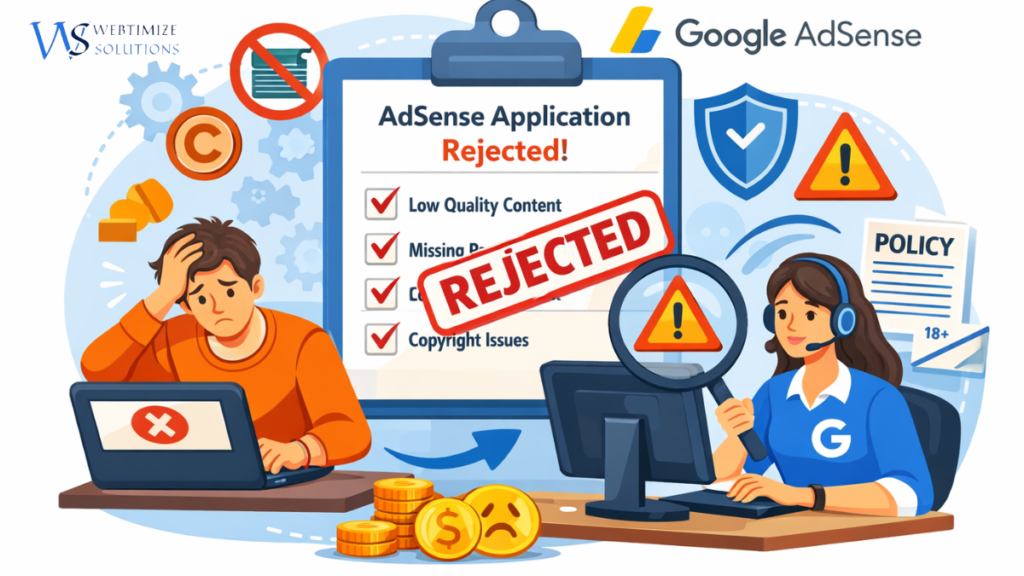
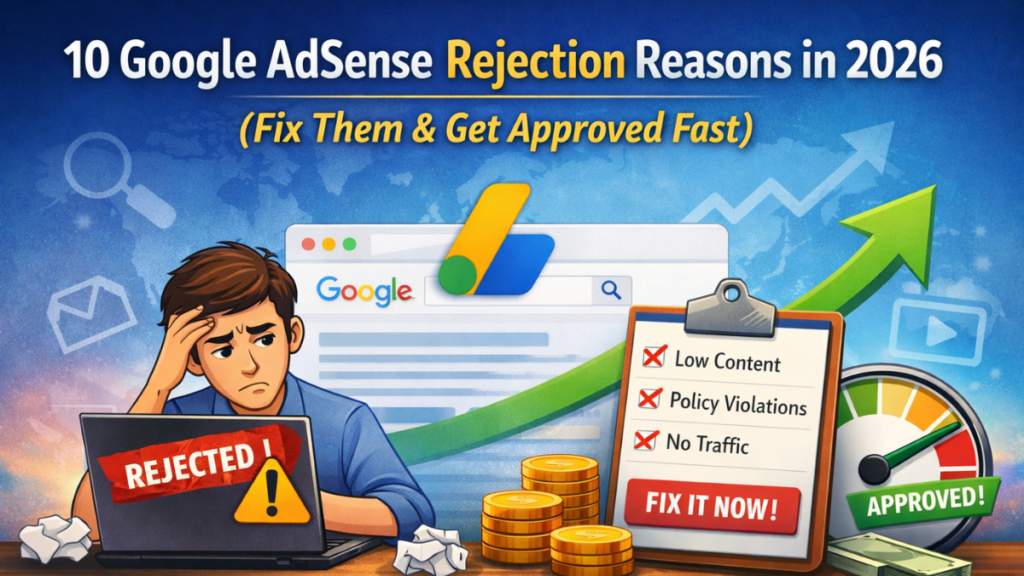
Many website owners assume their application was rejected because their site is new. In reality, Google usually rejects websites due to quality or policy-related issues.
Some of the most common reasons include:
- Very little original content.
- Copied or AI-generated content without human editing.
- Missing Privacy Policy or Contact page.
- Poor website navigation.
- Too many empty categories or tag pages.
- Low-quality user experience.
- Broken links and technical issues.
- Policy-violating content.
If your application has already been rejected, don't worry. Fix the identified issues first, improve your website, and then submit a new application.
👉 You can also read our detailed guide:
Why Google AdSense Rejects Websites (Common Reasons & Solutions)
Google AdSense Approval Checklist
| Requirement |
Status |
| Original blog content |
✅ |
| 10–20 quality articles |
✅ |
| HTTPS (SSL Certificate) |
✅ |
| Privacy Policy |
✅ |
| About Us page |
✅ |
| Contact page |
✅ |
| Terms & Conditions |
✅ |
| Mobile-friendly website |
✅ |
| Fast loading speed |
✅ |
| Google Search Console connected |
✅ |
| XML Sitemap submitted |
✅ |
| No broken links |
✅ |
| Easy website navigation |
✅ |
Quick Summary
If your website has original content, essential legal pages, fast loading speed, mobile-friendly design, proper internal linking, and follows Google's policies, you already have a strong foundation for AdSense approval.
Instead of applying as early as possible, focus on creating a trustworthy website that genuinely helps visitors. This approach not only improves your approval chances but also supports long-term organic growth.
Frequently Asked Questions (FAQs)
1. Can I get Google AdSense approval with a new website?
Yes. Google does not require your website to be old. If your site contains original content, essential pages, a good user experience, and follows AdSense policies, a new website can receive approval.
2. How many blog posts do I need before applying for AdSense?
There is no official number. However, most successful websites have around 10–20 high-quality, original articles before applying.
3. Does Google AdSense require website traffic?
No. Google does not specify a minimum traffic requirement. Quality content and policy compliance are far more important than visitor numbers.
4. How long does Google AdSense approval take?
Most applications are reviewed within a few days, although some may take up to two weeks depending on the review process.
5. Can AI-generated content get AdSense approval?
Yes, but only if the content is genuinely helpful, accurate, original, and edited by a human. Publishing low-quality, repetitive, or purely AI-generated articles may reduce your chances of approval.
6. Is a free domain eligible for Google AdSense?
A custom domain is generally recommended because it looks more professional and helps build trust with users and advertisers.
7. Which pages are required for AdSense approval?
- About Us
- Contact Us
- Privacy Policy
- Terms & Conditions
- Disclaimer (Recommended)
8. Can I reapply if my AdSense application is rejected?
Absolutely. Improve your website, fix the issues mentioned during the review, publish more valuable content, and submit another application.
Pro Tips to Increase Your Chances of AdSense Approval
- ✔ Publish original, well-researched content consistently.
- ✔ Focus on helping users instead of writing only for search engines.
- ✔ Update older articles regularly.
- ✔ Use proper internal linking throughout your website.
- ✔ Remove broken links and outdated pages.
- ✔ Compress images to improve loading speed.
- ✔ Ensure every page works perfectly on mobile devices.
- ✔ Avoid excessive advertisements before approval.
- ✔ Follow Google's content and publisher policies.
- ✔ Build a professional, trustworthy website rather than rushing to apply.
What Should You Do After Getting Google AdSense Approval?
Receiving AdSense approval is only the beginning. The next objective is increasing your website traffic and maximizing advertising revenue.
To grow your earnings, focus on:
- Publishing new SEO-optimized content consistently.
- Targeting low-competition, high-value keywords.
- Improving Core Web Vitals and page speed.
- Building high-quality backlinks.
- Optimizing ad placement without affecting user experience.
- Updating existing articles regularly.
If you've already been approved, our detailed guide explains how to increase traffic and improve your AdSense earnings:
👉
How to Increase Website Traffic & AdSense Earnings
Helpful Resources
Recommended Articles
Official Google Resources
Final Thoughts
Getting Google AdSense approval for a new website is completely achievable when your website is built for users—not just for search engines.
Instead of worrying about your domain age or traffic numbers, focus on publishing valuable content, improving your website experience, and following Google's policies.
Remember, AdSense approval is only the first milestone. Long-term success comes from consistently creating high-quality content, growing organic traffic, and building trust with your audience.
If you're serious about turning your website into a long-term income source, invest your time in quality rather than shortcuts. A strong website will not only improve your chances of AdSense approval but also help you attract loyal readers and sustainable revenue for years to come.
About Webtimize Solutions
At Webtimize Solutions, we help businesses, bloggers, and entrepreneurs build SEO-friendly websites, improve search rankings, and grow their online presence through effective web development and digital marketing strategies. Explore our latest guides for practical tips on SEO, WordPress, Google AdSense, and website growth.