webtimize solutions

Blog

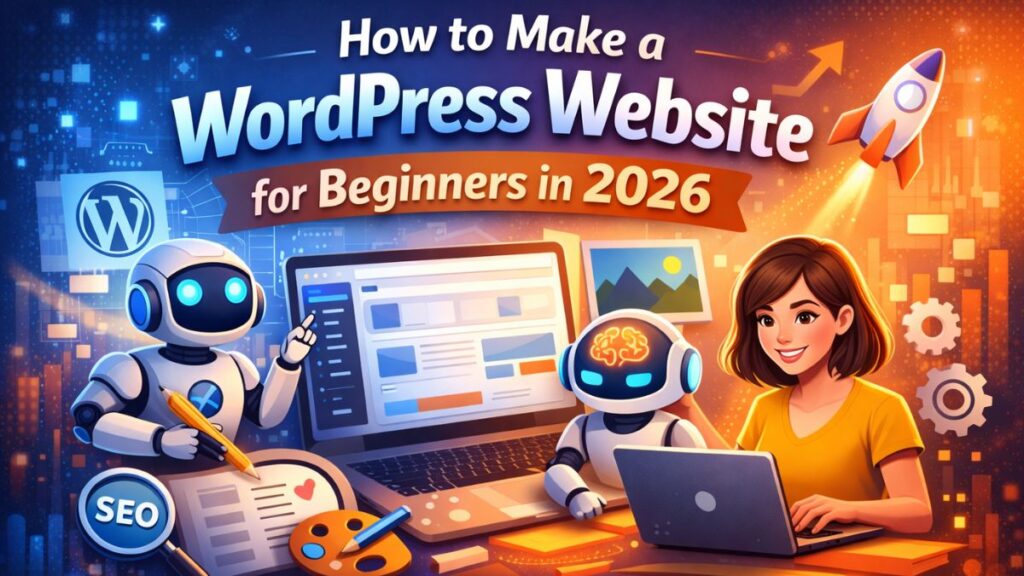
How to Make a WordPress Website for Beginners in 2026

(AI Guide)

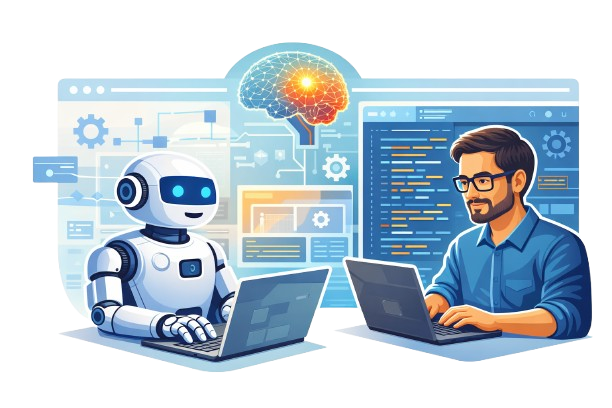
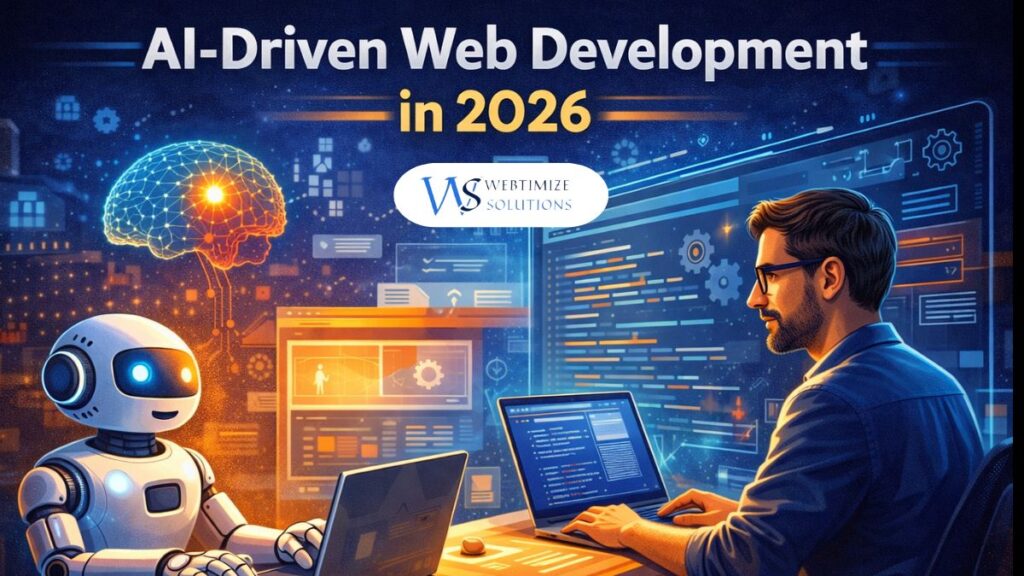
Human and AI robot working together on web development using a laptop, representing AI-driven website creation
How beginners can build a WordPress website without coding in 2026

How to Make a WordPress Website for Beginners in 2026 (Step-by-Step Guide with AI Tools)

In 2026, building a website is no longer limited to developers or technical experts. With WordPress and modern AI-powered tools, even a complete beginner can create a professional, SEO-friendly, and globally accessible website.

WordPress powers more than 40% of websites worldwide, making it the most trusted platform for businesses, bloggers, freelancers, and startups across the US, UK, and global markets. This guide explains everything in simple, practical steps so you can easily follow and implement it.

What Is WordPress and Why It Is Best for Beginners

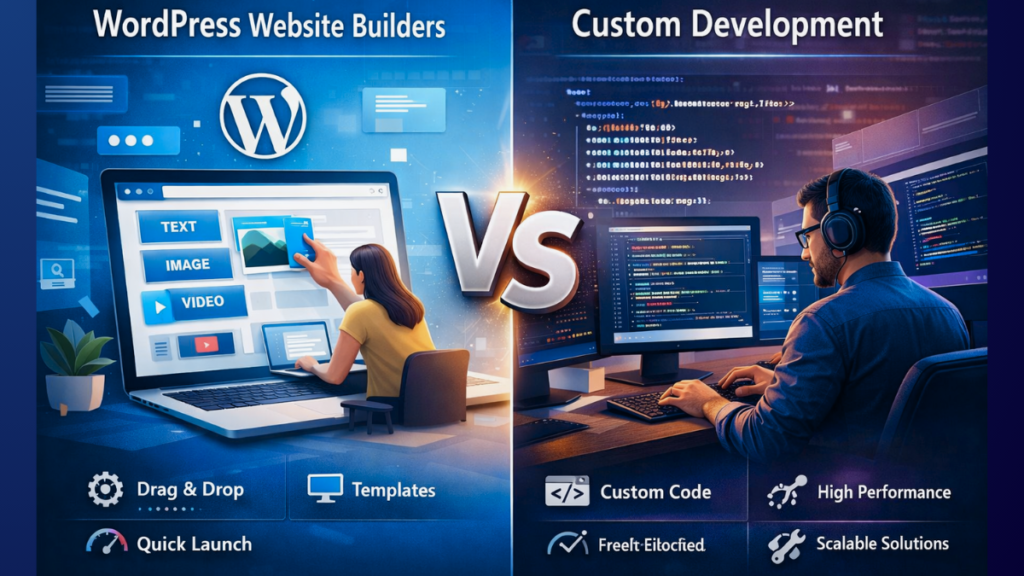
WordPress is an open-source content management system (CMS) that allows you to build websites without coding. It is flexible, scalable, and supported by a massive global community.

  • Easy to use for beginners
  • Thousands of themes and plugins
  • SEO-friendly by default
  • Ideal for blogs, business websites, and service pages

To understand how modern websites are evolving with automation, you can explore this complete guide on AI-driven web development, which explains the future of website building in detail.
πŸ‘‰ Read the complete guide

Step 1: Choose a Domain Name and Web Hosting

A domain name is your website’s address, while web hosting is where your website files are stored.

  • Keep the domain short and simple
  • Avoid numbers and special characters
  • Use .com for global reach

Hosting impacts speed and security. Read this complete hosting guide for 2026 before choosing.
πŸ‘‰ Read the complete hosting guide

Step 2: Install WordPress (No Coding Required)

  • Login to hosting dashboard
  • Click Install WordPress
  • Set username & password
  • Complete installation

Access admin panel via yourwebsite.com/wp-admin.

Step 3: Choose a Beginner-Friendly Theme

  • Astra
  • GeneratePress
  • Kadence
  • Neve

Responsive design is critical for SEO and conversions.
πŸ‘‰ Read the complete guide on responsive design

Step 4: Install Essential Plugins

  • SEO plugin (Rank Math / Yoast)
  • Page builder (Elementor)
  • Security plugin
  • Performance plugin

πŸ‘‰ Read the full plugin guide

How AI Helps Beginners in 2026

  • AI content writing
  • SEO optimization
  • Image generation
  • Performance insights

πŸ‘‰ Read the complete AI tools guide

SEO Optimization for US & UK Audience

πŸ‘‰ Read the complete growth blueprint

Final Thoughts

WordPress + AI makes website creation easy, fast, and scalable in 2026. Perfect for beginners targeting global markets.

πŸ“Έ Instagram | πŸ’Ό LinkedIn

RECENT POSTS

POPULAR POSTS

Frequently Asked Questions – WordPress Website for Beginners (2026)

Is WordPress good for beginners in 2026?
Yes. WordPress is one of the best platforms for beginners in 2026. It is easy to use, flexible, and works well with modern AI tools, making website creation simple even without technical knowledge.
Can I build a WordPress website without coding?
Absolutely. Beginners can create a complete WordPress website without any coding by using themes, page builders like Elementor, and AI-assisted tools.
How much does it cost to make a WordPress website?
WordPress itself is free. You only need to pay for a domain name and hosting. Many beginners can start with a low budget and upgrade as their website grows.
How long does it take to create a WordPress website?
A basic WordPress website can be created in a few hours or one day. With AI tools and ready-made themes, beginners can launch websites much faster in 2026.
Is WordPress good for SEO and Google ranking?
Yes. WordPress is SEO-friendly by default. With proper content, SEO plugins, and fast hosting, WordPress websites can rank well on Google, including in US and UK search results.
How does AI help beginners build WordPress websites?
AI helps beginners with content writing, SEO optimization, layout suggestions, image generation, and performance improvements, making website creation easier and faster.
Is WordPress suitable for small businesses?
Yes. WordPress is widely used by small businesses, freelancers, and startups because it is affordable, scalable, and suitable for global audiences.
Can a WordPress website target US and UK audiences?
Yes. With the right SEO strategy, quality content, and reliable hosting, a WordPress website can easily attract visitors from the US, UK, and other countries.
Is WordPress safe and secure in 2026?
WordPress is secure when maintained properly. Regular updates, trusted plugins, strong passwords, and security tools keep WordPress websites safe in 2026.
Can beginners earn money from a WordPress website?
Yes. Beginners can earn money through blogging, Google AdSense, affiliate marketing, services, or digital products using WordPress.

Leave a Reply

Your email address will not be published. Required fields are marked *