
Blog
Is WordPress Still Worth It in 2027?
What UK Small Businesses Need to Know

Is WordPress Still Worth It in 2027? What UK Small Businesses Need to Know
The way businesses build and manage websites is changing. Artificial intelligence (AI) website builders can now generate website layouts, write initial content and help users launch websites without extensive technical knowledge. Meanwhile, platforms such as Wix, Squarespace and Shopify continue to offer businesses alternative ways to establish their online presence. With so many options available, an important question arises: Is WordPress still worth it in 2027, or should small businesses consider newer website-building platforms instead?
Yes. WordPress remains a relevant option for many UK small businesses, particularly those that value flexibility, content management, website ownership and the ability to expand their online presence. However, the right platform depends on the business model, required functionality, budget and willingness to manage ongoing maintenance.
1. Is WordPress Still Relevant in 2027?
Yes. WordPress remains one of the most widely used website platforms, particularly for businesses that need flexibility, content management and control over their online presence.
Its continued relevance is supported by its established ecosystem of developers, themes, plugins and integrations.
Recent platform research provides useful context:
- WordPress powered approximately 31.97% of website homepages in a September 2026 HTTP Archive analysis.
- A separate analysis of small-business websites found that WordPress accounted for 32.9% of the sampled websites.
- Research covering more than one million .uk domains found that WordPress appeared on approximately 37% of the analysed UK websites.
These figures demonstrate that WordPress continues to have a substantial presence, although its overall market share has experienced some decline. They should be interpreted according to the methodologies and website samples used in each study rather than as a complete count of every website.
For UK businesses, the important point is that WordPress is not an outdated platform. It continues to support business websites, blogs, service pages, online publications and e-commerce stores. You can explore the official WordPress platform to learn more about its features and open-source ecosystem.
2. How AI Is Changing Website Development
Artificial intelligence is changing how websites are planned, designed and developed.
AI-powered website builders can generate layouts, suggest colour combinations, create draft content and help users build basic websites through conversational instructions.
This has made website creation more accessible to people without coding experience.
However, creating a website and developing an effective business website are two different things.
A business website must do more than look attractive. It needs to communicate the company's value, establish credibility, provide a good user experience and encourage visitors to take action.
For example, a UK accounting firm may need appointment booking, enquiry forms, service-specific landing pages and integrations with business software. A professional services company may require a structured blog, lead-generation forms, analytics and advanced SEO configurations.
AI can accelerate parts of this process, but businesses still need thoughtful planning, design decisions, technical implementation and ongoing optimisation.
Can AI Replace WordPress?
AI may reduce the time and effort required to create certain types of websites, particularly simple websites with limited functionality.
However, it does not automatically replace the need for a flexible content management system.
WordPress offers businesses control over their website structure, content, hosting environment, themes, plugins and integrations. AI tools can also be incorporated into WordPress workflows to support content creation, development and website management.
The more useful question is therefore not whether AI will replace WordPress, but how businesses can use AI alongside a suitable website platform.
3. Why UK Small Businesses Still Choose WordPress
WordPress offers several advantages that make it suitable for a wide range of small and growing businesses.
3.1 Greater Website Flexibility
WordPress can be used to build different types of websites, including:
- Professional business websites.
- Service-based company websites.
- Personal and professional portfolios.
- Blogs and online publications.
- Membership websites.
- Educational websites.
- Online shops using WooCommerce.
- Booking and appointment-based websites.
This flexibility is particularly useful for businesses that may need additional functionality as they grow.
Rather than moving to a completely different platform whenever requirements change, businesses can often extend their existing WordPress website through suitable plugins and custom development.
3.2 Greater Control Over Website Ownership
Website ownership is an important consideration when choosing a platform.
With a self-hosted WordPress installation, businesses can control their website files, database, hosting account and website content.
This gives them greater flexibility when changing hosting providers, appointing another developer or expanding their website.
However, ownership also comes with responsibility. Businesses must ensure that their hosting, backups, security and software updates are properly managed.
3.3 WordPress Supports Search Engine Optimisation
Search engine visibility is essential for businesses that want to attract potential customers through Google.
WordPress provides a flexible foundation for implementing SEO strategies, including the following. For practical guidance, see Google's SEO Starter Guide and our guide to creating a WordPress website step by step.
- Custom page titles and meta descriptions.
- SEO-friendly URL structures.
- XML sitemaps.
- Internal linking.
- Image optimisation and alternative text.
- Schema markup through suitable tools.
- Blog and content management.
- Redirect management.
- Integration with Google Search Console and Google Analytics.
Plugins such as Yoast SEO and Rank Math can make many optimisation tasks easier.
However, installing an SEO plugin does not guarantee higher Google rankings. Search performance also depends on content quality, technical health, competition, backlinks, relevance and user experience.
3.4 Scalable Website Development
A small business may initially need only a homepage, an about page, a few service pages and a contact form.
As the business grows, it may require:
- Additional service pages.
- A regularly updated blog.
- Multiple enquiry forms.
- Customer testimonials and case studies.
- Online booking functionality.
- Membership features.
- E-commerce integration.
- CRM and marketing automation.
WordPress can accommodate many of these requirements, although complex functionality may require specialist development and additional investment.
3.5 A Large Ecosystem of Themes and Plugins
WordPress has a substantial ecosystem of themes and plugins.
Businesses can use established tools for website design, forms, security, caching, backups, analytics and e-commerce.
Popular options include Elementor, WooCommerce, Yoast SEO, Rank Math and established security and performance plugins.
The choice of plugins matters. Installing too many unnecessary or poorly maintained plugins can create compatibility, performance and security problems.
A professional WordPress website should use only the functionality it actually needs.
4. What Are the Disadvantages of WordPress?
Although WordPress offers considerable flexibility, it is important to understand its limitations before choosing it.
4.1 Regular Maintenance Is Necessary
WordPress websites require regular maintenance.
This includes updating WordPress core, themes and plugins, checking compatibility, maintaining backups and monitoring website security.
Ignoring maintenance can expose a website to vulnerabilities and technical problems.
4.2 Website Performance Depends on Proper Development
A WordPress website is not automatically fast. Website owners should also review Google's guidance on page experience when assessing usability and performance.
Poor-quality hosting, oversized images, excessive plugins, unoptimised themes and inefficient code can negatively affect loading times.
Businesses should prioritise lightweight design, image compression, caching, suitable hosting and regular performance checks.
4.3 Costs Can Increase with Additional Functionality
WordPress software is free, but building and operating a professional website involves other expenses.
Businesses may need to pay for hosting, domain registration, premium themes, plugins, custom development, security and maintenance.
A more complex website may require a larger development budget.
4.4 Some Technical Knowledge Is Helpful
WordPress is relatively accessible, but managing a professional website can involve technical tasks.
These include troubleshooting plugin conflicts, configuring backups, managing redirects, improving website speed and resolving security issues.
Businesses without an in-house technical team may benefit from professional website maintenance services.
5. WordPress vs Other Website Builders in 2027
WordPress is not the only option available. Businesses should compare platforms according to their requirements rather than choosing one simply because it is popular. For a closer look at the trade-offs, read WordPress website builders vs custom development.
| Platform | Best suited for | Main advantage | Main limitation |
|---|---|---|---|
| WordPress | Business websites, blogs and flexible websites | Flexibility and control | Requires maintenance |
| Wix | Simple business websites | Convenient visual editing | Less control over the underlying platform |
| Squarespace | Portfolio and design-led websites | Professionally designed templates | More limited customisation |
| Shopify | Online stores | E-commerce-focused tools | Subscription and additional selling costs |
| AI website builders | Simple websites and rapid prototypes | Quick initial website creation | May have limitations for complex requirements |
WordPress vs Wix
Wix is suitable for business owners who want a convenient website-building experience with hosting and website management provided through one platform.
WordPress is generally more flexible for businesses that want greater control over their content, hosting and custom functionality.
WordPress vs Squarespace
Squarespace is popular among creative professionals, consultants and businesses that prioritise design-led templates.
WordPress may be more appropriate when a business needs extensive content management, custom integrations, advanced functionality or greater control over its website environment.
WordPress vs Shopify
Shopify is primarily designed for e-commerce businesses. It provides tools for managing products, payments, orders, inventory and online selling.
WordPress can also support e-commerce through WooCommerce, an e-commerce platform built for WordPress.
The choice depends on the business model. A business that primarily sells products online may prefer Shopify, while one that needs a content-rich website with an integrated online shop may find WooCommerce more suitable. Compare the features on the Shopify UK website before deciding.
WordPress vs AI Website Builders
AI website builders are useful for creating basic websites quickly.
However, businesses that need customised functionality, extensive content structures, advanced integrations and long-term flexibility may prefer WordPress.
AI and WordPress do not have to be competing choices. They can also work together.
6. Is WordPress Good for UK Small Businesses?
For many UK small businesses, WordPress can be a practical website development choice.
The UK Government's 2026 Business Data Survey reported that 78% of businesses had a website in 2025–26. Website use was reported by 92% of small businesses and 84% of micro businesses.
This highlights the importance of maintaining a professional digital presence in an increasingly competitive business environment.
WordPress may be suitable for:
Local Service Businesses
Plumbers, electricians, accountants, consultants and professional service providers can use WordPress to create service pages, enquiry forms and local landing pages.
Consultancies and Agencies
Businesses that publish articles, case studies and service information can benefit from its content management capabilities.
Start-ups
New businesses can establish their online presence and expand their website as their services and customer base develop.
Retail Businesses
Companies that want to sell products online can use WooCommerce or evaluate Shopify according to their requirements.
Independent Professionals
Freelancers, coaches and specialists can create professional portfolio websites and generate enquiries.
The right platform should always reflect the business's objectives, technical requirements and available budget.
7. How Much Does a WordPress Website Cost in India?
For UK business owners considering an India-based website development partner, understanding Indian development costs can be useful when comparing proposals. Our detailed guide to website development costs in India explains the factors that influence a project budget.
India has a wide range of website development providers, from independent freelancers to established agencies. Prices vary according to design complexity, functionality, number of pages, integrations and the level of support included.
The following figures are indicative published Indian market estimates for 2026, not fixed Webtimize package prices.
| Website type | Indicative Indian development cost |
|---|---|
| Basic WordPress website | ₹8,000–₹40,000 |
| Professional business website | ₹25,000–₹1,75,000 |
| Custom-designed WordPress website | ₹60,000–₹3,50,000 |
| WooCommerce online store | ₹65,000–₹4,00,000 |
| Complex or advanced website | ₹2,50,000 onwards |
These are broad market reference ranges. The categories overlap because different agencies include different services in their packages.
For example, a basic website may include a ready-made theme, a few pages and a contact form. A professionally designed website may include customised layouts, conversion-focused sections, on-page SEO, analytics and additional functionality. If you are planning a business website, read our guide on building a professional website for a small business.
What Determines the Cost of a WordPress Website?
- Design requirements: A customised design usually requires more work than a standard theme.
- Number of pages: Larger websites require more design, development and content preparation.
- Website functionality: Booking systems, memberships, advanced forms and integrations can increase costs.
- E-commerce requirements: Product uploads, payment gateways, shipping configurations and inventory management require additional setup.
- SEO requirements: Technical SEO, on-page optimisation and structured data may form part of the development scope.
- Maintenance: Ongoing updates, backups, security monitoring and technical support may be charged separately.
Before accepting a proposal, ask whether domain registration, hosting, premium licences, content writing, revisions, maintenance and taxes are included.
For UK businesses working with an Indian agency, the final proposal should clearly state the INR project fee, payment milestones, deliverables and any applicable taxes. If the agreement is billed in another currency, the conversion and payment charges should also be clarified.
8. How to Choose the Right WordPress Development Agency
Choosing the right development partner can make a significant difference to the success of a website.
A professional agency should understand more than website design. It should also consider business objectives, search visibility, user experience, performance and future requirements.
Before hiring a WordPress development agency, consider the following:
Check Its Portfolio
Review previously completed websites. Look at their design quality, mobile responsiveness, navigation and overall user experience.
Understand the Development Process
Ask how the agency handles planning, design, development, testing and launch.
Check Mobile Responsiveness
Your website should provide a consistent experience across desktops, tablets and smartphones.
Discuss SEO from the Beginning
SEO should not be treated as an afterthought. The website structure, URLs, page hierarchy, metadata, internal links and technical foundations should be considered during development.
Ask About Website Ownership
Make sure you receive the necessary website access, hosting details, administrative credentials and agreed deliverables.
Clarify Post-Launch Support
Ask who will handle software updates, backups, security checks and technical problems after launch.
Compare Complete Proposals
Do not select a provider solely because it offers the lowest price. Compare the scope, quality, experience, timelines and support included in each proposal.
9. Why Website Design Still Matters in 2027
A website is often one of the first places potential customers visit when researching a business.
An outdated or confusing website can affect the impression a company creates, while a professional website can help communicate its services and build confidence.
For small businesses, an effective website should include:
- Clear and professional design.
- Simple navigation.
- Mobile-friendly layouts.
- Fast-loading pages.
- Clear service descriptions.
- Prominent contact information.
- Enquiry forms and relevant calls to action.
- Trust signals, testimonials and case studies.
- Search-engine-friendly page structures.
- Secure browsing through HTTPS.
The objective is not simply to make a website look modern. It is to create a useful digital platform that helps visitors understand the business and take the next step.
10. What Is the Future of WordPress Website Development?
The future of website development is likely to involve a combination of established platforms, AI-assisted tools, automation and more personalised digital experiences.
WordPress is also evolving. Its open-source ecosystem and established developer community give it room to incorporate new technologies and workflows.
Some important developments to watch include:
AI-assisted website development: AI can support content drafting, design exploration, code assistance and routine website tasks.
Improved website editing: Modern editing tools make it easier for businesses to manage content and layouts.
Performance optimisation: Speed, accessibility and mobile usability will remain important considerations for professional websites.
Greater integration: Businesses increasingly expect websites to connect with customer relationship management systems, marketing tools, booking platforms and other software.
Better security practices: Regular updates, secure hosting, access controls and reliable backups will remain essential.
More personalised experiences: Businesses may increasingly use automation and data to provide more relevant website experiences.
WordPress does not need to remain unchanged to stay relevant. Its ability to evolve is one of the reasons businesses continue to consider it.
11. Should Your Business Choose WordPress in 2027?
The answer depends on what you want your website to achieve.
Choose WordPress if:
- You want greater control over your website.
- You need a flexible content management system.
- You plan to publish blogs and other content regularly.
- You require custom pages and integrations.
- You want to build an SEO-focused business website.
- You expect your website to expand over time.
Consider an alternative if:
- You only need a very simple website.
- You prefer a fully managed platform with minimal technical responsibility.
- You primarily operate an online store and prefer a dedicated e-commerce solution.
- Your requirements are better served by a specialised platform.
There is no universally perfect website platform. The right choice is the one that supports your business objectives, budget and long-term plans.
12. Build a Professional WordPress Website with Webtimize Solutions
Choosing a website platform is only the first step. The quality of its design, development, content structure and technical implementation will influence how effectively it supports your business.
Webtimize Solutions provides website design, WordPress development and digital marketing services for businesses looking to strengthen their online presence.
Based in Lucknow, India, Webtimize Solutions works with businesses seeking practical, professionally developed websites and digital solutions.
Whether you are launching a new business website, improving an existing WordPress website or planning a more structured online presence, the development process should begin with understanding your business requirements.
How Webtimize Solutions Can Help
- WordPress Website Design: Professional, responsive websites designed around your brand and business objectives.
- Business Website Development: Structured websites for service providers, start-ups and growing businesses.
- E-commerce Website Development: WooCommerce-based online stores with product catalogues and relevant shopping functionality.
- Website Redesign: Modernising existing websites with improved layouts, navigation and user experience.
- On-Page SEO: SEO-friendly website structures, metadata, headings and internal linking.
- Website Speed Optimisation: Performance improvements to support a better user experience.
- Website Maintenance: Ongoing website updates, backups and technical support according to the agreed scope.
Looking for a WordPress Website Development Partner?
If you are a UK small business owner planning to build a new website or improve an existing one, let's discuss your requirements.
Get a website designed around your business, your customers and your future growth plans.
Let's Start a New Project Together.
Webtimize Solutions
Website: webtimizesolutions.com
Email: contact@webtimizesolutions.com
Phone / WhatsApp: +91 9793176997
Get in touch to discuss your website requirements and receive a project proposal based on your preferred features, design and budget.
Frequently Asked Questions (FAQs)
1. Is WordPress still worth using in 2027?
Yes. WordPress remains a widely used website platform and can be suitable for business websites, blogs, portfolios and online stores. Its flexibility and extensive ecosystem make it a practical choice for many businesses.
2. Is WordPress suitable for UK small businesses?
Yes. UK small businesses can use WordPress to build professional websites, publish content, showcase services, generate enquiries and support their SEO strategies.
3. Will AI replace WordPress?
AI may change how websites are designed and developed, but it does not automatically replace the need for a flexible content management system. AI tools and WordPress can also be used together.
4. Is WordPress better than Wix?
WordPress offers greater flexibility and control over hosting, content and custom functionality. Wix provides a more managed website-building experience. The better option depends on the business's requirements and technical preferences.
5. Is WordPress better than Shopify?
WordPress is suitable for a wide range of websites, while Shopify is primarily designed for e-commerce. Businesses can also use WooCommerce to create online stores with WordPress.
6. How much does a WordPress website cost in India?
Indicative Indian market estimates range from approximately ₹8,000 for a basic theme-based website to several lakhs for a customised website with advanced functionality. The final cost depends on the scope, design, features and ongoing support.
7. Does WordPress require coding knowledge?
No. Many WordPress websites can be managed without coding knowledge. However, custom functionality, advanced troubleshooting and specialised development may require technical expertise.
8. Is WordPress good for SEO?
WordPress provides a flexible foundation for SEO through custom URLs, metadata, content management, internal linking and optimisation plugins. Rankings still depend on content quality, technical performance, competition and other SEO factors.
9. Can I migrate my existing website to WordPress?
In many cases, yes. Website migration requires careful planning to preserve content, URLs, metadata, redirects and other important SEO elements. The process depends on the existing platform and website structure.
10. Should I hire a professional WordPress developer?
A professional developer can help when you need customised design, advanced functionality, technical SEO, performance optimisation or a website built around specific business objectives. It can also reduce the technical work involved in launching and maintaining a business website.
Final Thoughts
WordPress is not the only way to build a website in 2027, and it is not necessarily the best choice for every business. AI website builders and hosted platforms have made website creation more accessible, while dedicated e-commerce platforms continue to serve businesses with specific selling requirements.
However, WordPress remains a relevant option for businesses that value flexibility, content management, customisation and control over their online presence.
For UK small businesses, the decision should be based on what the website needs to accomplish, how it will grow and how it will support long-term business objectives.
The best website platform is not simply the newest or most popular one. It is the one that works for your business.
Website information and indicative costs should be checked against current platform features, supplier quotations and the specific requirements of each project.
POPULAR POSTS
-
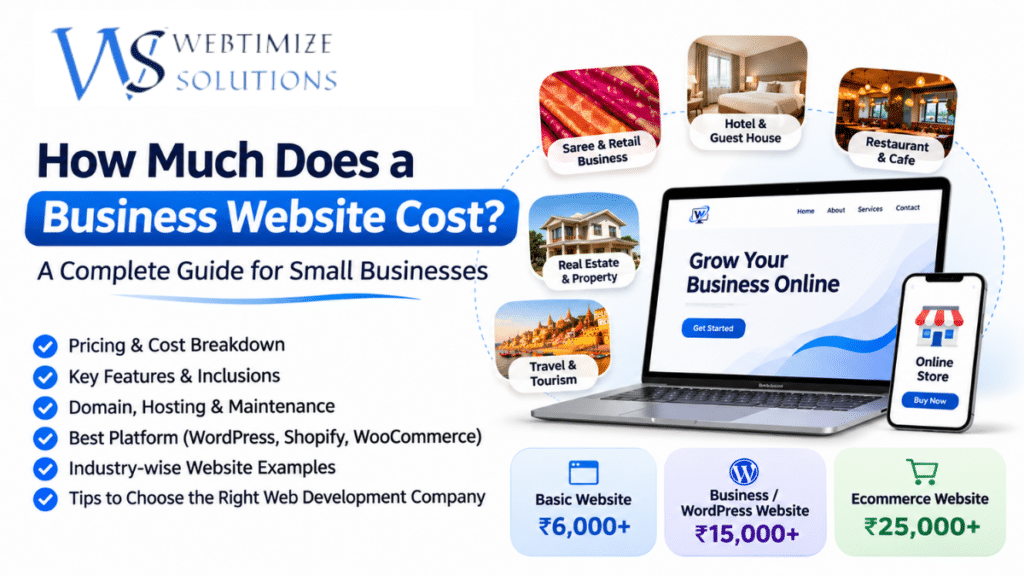 04 Nov 2026How Much Does a Business Website Cost in Varanasi?
-
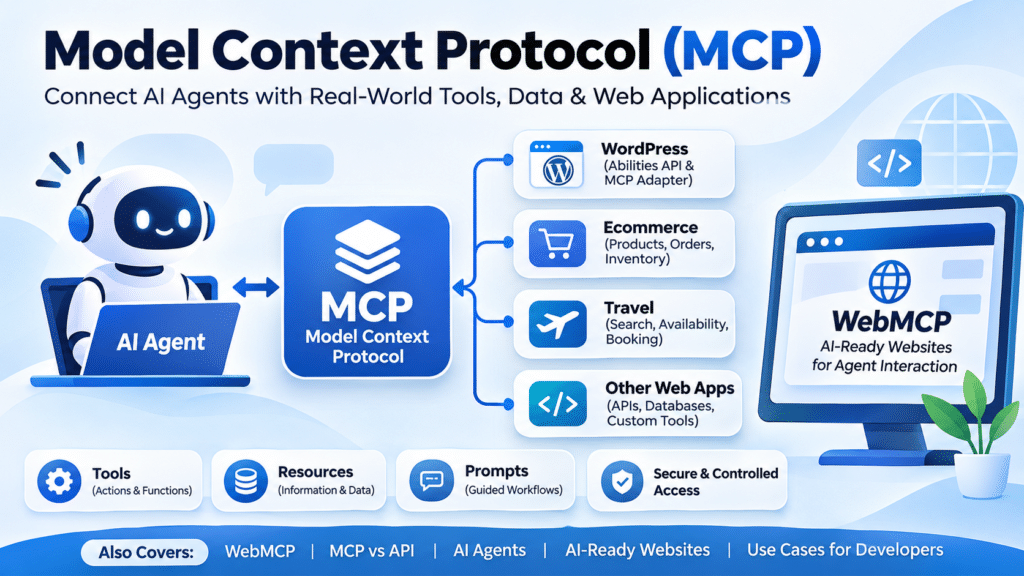 02 Nov 2026What Is MCP? A Complete Guide to Model Context Protocol, WebMCP & AI Agents for Web Developers in 2026
-
 28 Oct 2026Google AI Is Changing Search in 2026 — Is Your UK Business Ready?
-
04 Sep 2026Google AI Is Changing Search in 2026 — Is Your UK Business Ready?
-
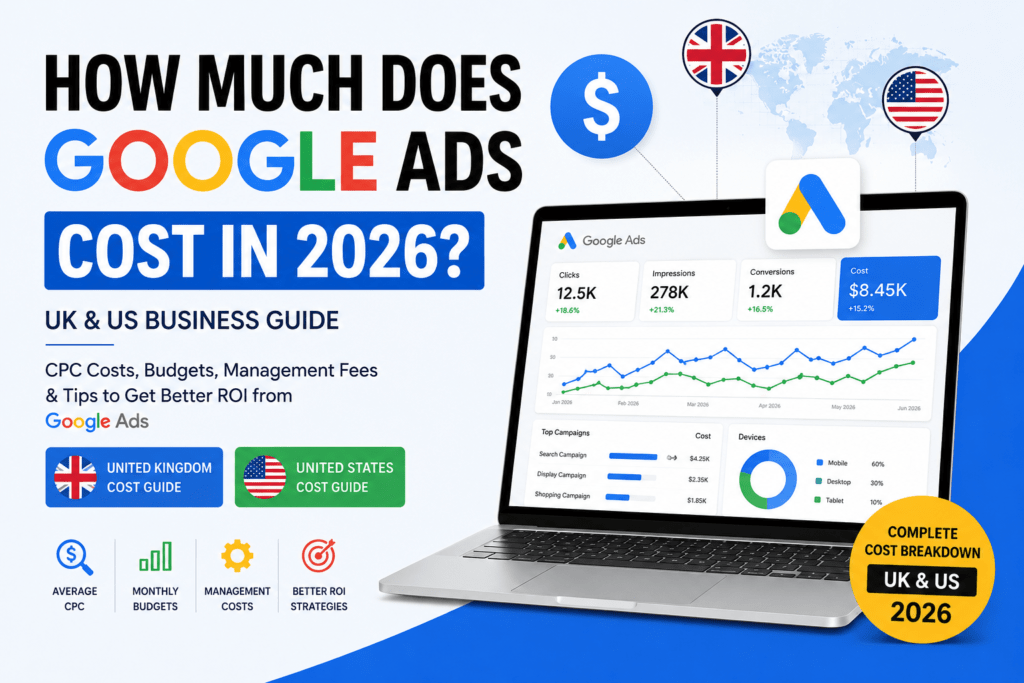 26 Aug 2026How Much Does Google Ads Cost in 2026? UK & US Business Guide
-
 02 Aug 2026Apple's Weak Forecast Shakes Wall Street: Why the Tech Giant Could Lose Nearly $500 Billion in Market Value
-
 30 Jul 2026Best Web Design Company for Small Businesses in the UK (2026 Guide)
-
 26 Jul 202610 Reasons Every Small Business Needs a Professional Website in 2026 & Beyond
-
 20 Jun 2026Best Website Design Company in Varanasi (2026): A Complete Guide for Businesses
-
 28 May 2026Why Most Businesses Fail Online Without SEO in 2026
-
 27 May 2026Website Designing Company in Kanpur (2026)
-
 02 May 2026How I Earn ₹30,000/Month From Home (Real Method 2026 – Website Design & Freelancing)
-
 28 Apr 2026How AI-Powered SEO Helped Small Businesses Grow in USA, UK & India (2026 Guide)
-
 27 Apr 20262 Years of Webtimize Solutions: Late Nights, Real Growth & Clients from Around the World
-
 27 Apr 2026AdSense Approval for New Website 2026: Beginner Guide (Get Approved Fast)
-
 31 Mar 2026Who is the Founder of Webtimize Solutions? | How I Built My Web Development Business
-
 23 Mar 2026How Much Does a Website Cost in 2026? (UK, Canada & India – Save Up to 70%)
-
 16 Mar 2026Why Google AdSense Rejects Websites? Top 10 Reasons in 2026 (Complete Guide)
-
 10 Mar 2026Google Analytics vs Google Search Console for SEO: What’s the Difference? (2026 Guide)
-
 09 Mar 202610 Google AdSense Rejection Reasons in 2026 (Fix Them & Get Approved Fast)
-
 02 Mar 2026What Is SEO? Complete Guide to On-Page, Off-Page & Technical SEO (2026)
-
 28 Feb 2026Website Development Cost in Indira Nagar, Lucknow (2026 Price Breakdown)
-
 27 Feb 2026Website Development Cost in London 2026 – Real Pricing Guide for UK Businesses
-
 26 Feb 2026Ecommerce Website Development Company in Indira Nagar Lucknow – Complete 2026 Business Growth Guide
-
 24 Feb 2026How SEO Helps Small Businesses Grow Online in 2026 (Complete Practical Guide)