Google Analytics vs Google Search Console for SEO: What’s the Difference? (2026 Guide)
Understanding how your website performs online is essential for SEO success. Many businesses launch websites but struggle to understand why their pages are not ranking or generating traffic.
This is where two powerful tools come into play: Google Analytics and Google Search Console. While both tools are developed by Google, they serve completely different purposes when it comes to tracking SEO performance and website data.
For startups and small businesses in the UK, India, and global markets, learning how these tools work together can dramatically improve search rankings, traffic insights, and overall digital growth.
What Is Google Analytics?
Google Analytics is a powerful website analytics platform that helps businesses understand how visitors interact with their website.
- Traffic sources
- User behavior
- Bounce rate
- Time spent on pages
- Conversion tracking
For example, if a visitor from London or Delhi lands on your website through Google search, Google Analytics can show where that user came from, which pages they visited, and how long they stayed.
You can explore the official platform here: Google Analytics.
What Is Google Search Console?
Google Search Console is an SEO tool that focuses specifically on how your website performs in Google search results.
- Keyword impressions
- Search clicks
- Average ranking position
- Indexing issues
- Click-through rate (CTR)
If your website ranks for a keyword like SEO services for small businesses in London, Search Console will show how many people saw your website and how many clicked your result.
Official tool: Google Search Console
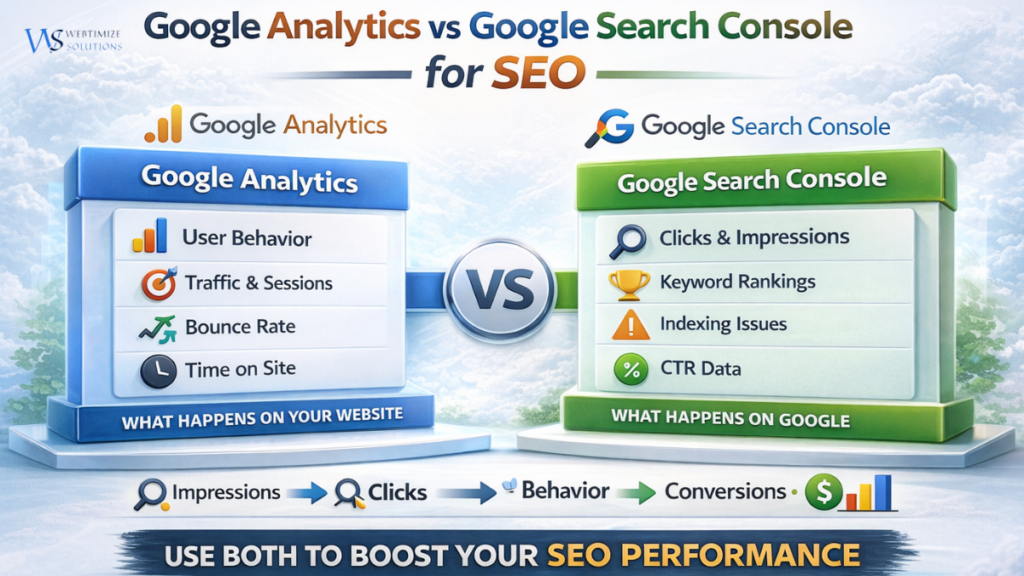
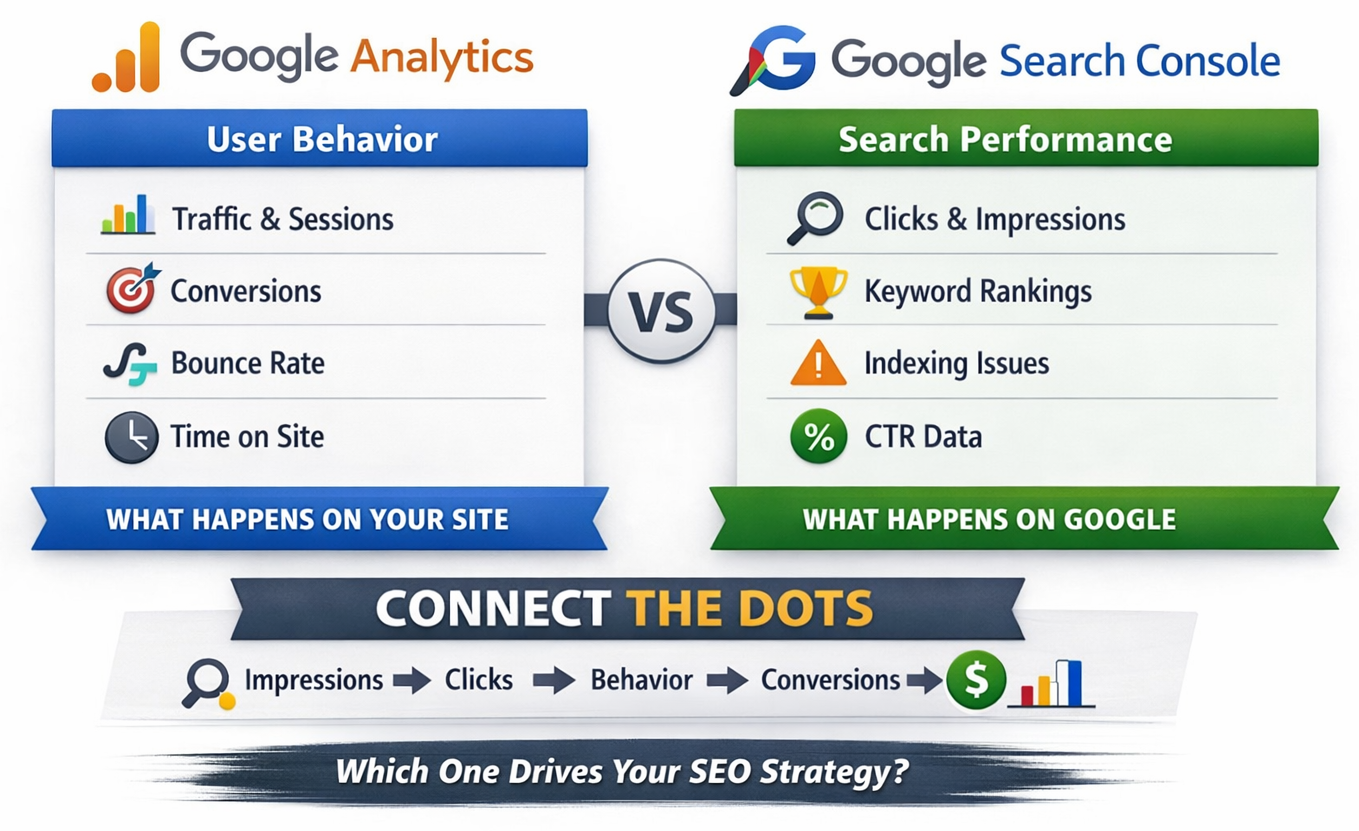
Google Analytics vs Google Search Console: Key Differences
| Feature | Google Analytics | Google Search Console |
|---|---|---|
| Main Focus | User behavior on website | Search performance |
| Shows | Sessions, traffic sources | Clicks and impressions |
| Data Source | Website visitors | Google search results |
| Best Use | Understanding users | Improving SEO rankings |
How These Tools Work Together for SEO
The real power of these tools appears when they are used together.
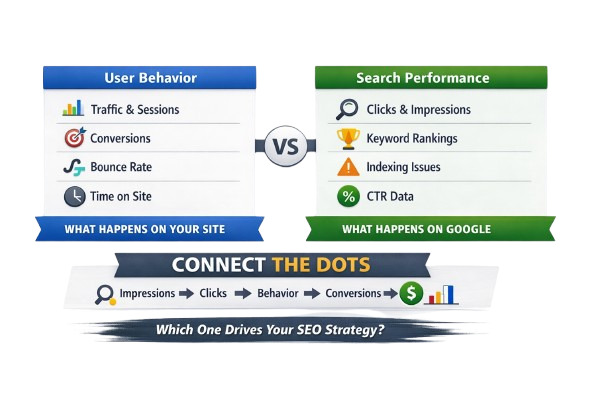
- Search Console shows how users find your website.
- Google Analytics shows what users do after they arrive.
This creates a complete SEO journey:
- Impressions – Website appears in Google search
- Clicks – Users click the search result
- User Behavior – Visitors explore the website
- Conversions – Visitors become customers
Why These Tools Matter for UK & Indian Businesses
Businesses in competitive cities like London, Manchester, Delhi, and Mumbai rely heavily on SEO to attract customers online.
By using both tools together, businesses can:
- Identify profitable keywords
- Improve website performance
- Track customer behavior
- Increase organic traffic
- Generate more leads
If you want to learn more about SEO fundamentals, read our guide on What Is SEO? Complete Guide .
Best SEO Strategy Using Both Tools
Many SEO professionals follow a simple strategy using both tools.
- Use Search Console to find keywords generating impressions
- Create optimized content targeting those keywords
- Track visitor behavior through Google Analytics
- Improve pages with high traffic but low conversions
You can also explore useful SEO tools in our guide: Best SEO Tools for WordPress .
Another helpful resource for SEO learning is Google's official documentation: Google Search Central.
Final Thoughts
Understanding the difference between Google Analytics vs Google Search Console is essential for any business looking to grow online.
Search Console reveals how users discover your website through search engines, while Google Analytics shows how those visitors behave after arriving on your website.
When used together, these tools provide powerful insights that help businesses improve SEO rankings, optimize website performance, and increase long-term online growth.